
Quick Answer: How Much Does a Burglar Alarm Cost in the UK?
A burglar alarm system in the UK typically costs £150 to £500 for a DIY wireless kit, or £400 to £1,500 for a professionally installed and monitored system, with ongoing monitoring fees of £20 to £40 per month where professional monitoring is included. Cost varies significantly based on property size, number of sensors needed, and whether monitoring is self-managed or professional.
Wireless Burglar Alarm Installation Cost in the UK
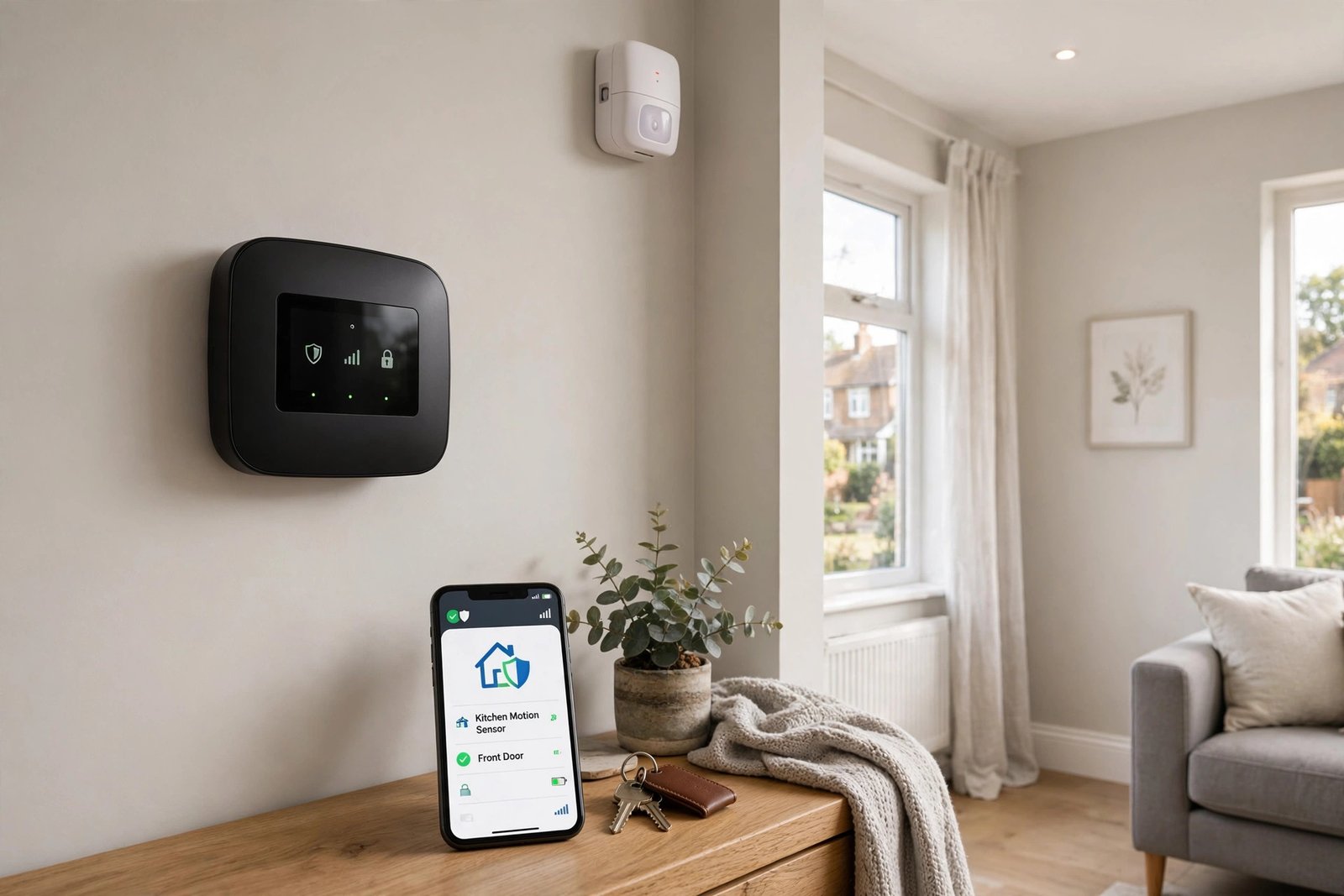
A professionally fitted wireless alarm for a typical 3-bed house costs £500 to £1,000 supply and fit in 2026. DIY wireless kits cost £200 to £600 with free self-installation.
| Property | DIY kit price | Pro supply-and-fit | Typical sensors | Install time |
|---|---|---|---|---|
| 1-bed flat | £200 to £350 | £400 to £700 | 3 to 4 | 2 to 3 hours |
| 2-bed terrace | £250 to £450 | £500 to £850 | 4 to 6 | 3 to 4 hours |
| 3-bed semi | £300 to £600 | £500 to £1,000 | 6 to 8 | 3 to 5 hours |
| 4-bed detached | £400 to £700 | £800 to £1,500 | 8 to 12 | 4 to 6 hours |
What Happens on Wireless Installation Day
1. Survey and sensor plan
The engineer walks the property and plans sensor positions: typically ground-floor rooms, the hall and the landing. Window contacts are usually overkill: PIR motion detectors cover rooms more cheaply.
2. Mounting
Wireless sensors fix with screws or strong adhesive pads: no cable chasing, no redecorating. This is why a wireless fit takes hours, not the one to two days a wired system needs.
3. Pairing and signal checks
Each sensor is paired to the panel and signal strength is tested at every position. In period properties with thick walls, a signal repeater (£40 to £80) may be added.
4. App setup and notifications
The engineer sets up the app, tests arm/disarm, and configures alerts to your phone. Ask for a full demo before they leave: you should be confident using every feature.
5. Demo and handover checklist
Get the engineer code, the installer code policy, battery replacement guidance, and the maintenance contact in writing before sign-off.
DIY Wireless Kit vs Professional Installation: True Cost Comparison
| DIY kit (Ring/Yale/SimpliSafe style) | Pro supply-and-fit | Contract monitored | |
|---|---|---|---|
| Upfront | £200 to £600 | £500 to £1,500 | £0 to £200 |
| Installation | Free (self-install) | Included | Included |
| Monthly | £0 (self-monitored) | £0 (self-monitored) | £25 to £50 x 36 months |
| 3-year total | £200 to £600 | £500 to £1,500 | £900 to £2,000 |
Watch the contract trap: a £200 install with a £46/month 36-month contract costs £1,856 overall. Always compare the 3-year total, not the headline install price. A middle path exists: some brands offer professional installation of a DIY kit for around £125.
5-Year Total Cost of Ownership: Wireless Alarms
| Cost over 5 years | DIY self-monitored | Pro-fit self-monitored | Pro-fit monitored |
|---|---|---|---|
| Equipment + install | £200 to £600 | £500 to £1,500 | £0 to £500 |
| Monitoring (5 yrs) | £0 | £0 | £1,500 to £3,000 |
| Servicing | £0 | £375 to £750 | Often included |
| Batteries | £50 to £150 | £50 to £150 | £50 to £150 |
| 5-year total | £250 to £750 | £925 to £2,400 | £1,550 to £3,650 |
Monitoring usually exceeds equipment cost over five years: that is the number to negotiate, not the install price.
Wireless Alarm Reliability: Signal, Batteries, Power Cuts and Pets
Modern wireless alarms use supervised signalling: the panel checks each sensor regularly and flags tampering or signal loss. In houses with thick Victorian walls, a signal repeater (£40 to £80) solves range problems. Sensor batteries last 2 to 5 years and cost a few pounds each to replace. In a power cut, the panel’s backup battery keeps the system armed, and dual-path signalling (Wi-Fi plus cellular) keeps alerts flowing if broadband drops. Pet-immune PIR sensors ignore animals under a set weight: essential for cat and dog owners. Note the legal bit: external bell boxes must cut out after 20 minutes to comply with noise nuisance rules.
Wireless Alarms for Renters and Landlords
Renters: adhesive-mount wireless kits need no drilling, cause no damage, and move with you. No landlord permission issues beyond normal care. Landlords: for tenanted properties, consider NSI or SSAIB accredited installers: accreditation is what insurers recognise, and keyholder or monitored response suits properties you do not live in.
Wireless Burglar Alarm FAQs
How much does it cost to install a wireless burglar alarm in the UK?
DIY kits cost £200 to £600 with free self-installation. Professional supply-and-fit for a typical 3-bed house costs £500 to £1,000. Contract deals may look cheap upfront but cost £900 to £2,000 over three years.
How long does wireless alarm installation take?
Two to six hours for wireless, versus one to two days for wired. A 3-bed semi usually takes three to five hours including app setup and demo.
Do wireless burglar alarms need Wi-Fi?
Not necessarily. Many use cellular signalling; dual-path systems use both Wi-Fi and cellular so alerts still work if broadband drops.
Are wireless alarms as reliable as wired alarms?
Modern pro wireless systems (Pyronix, Texecom, HKC) match wired reliability through supervised signalling and tamper detection. Thick walls may need a £40 to £80 signal repeater.
What happens to my wireless alarm in a power cut?
The panel’s backup battery keeps it armed, and cellular signalling keeps alerts flowing. The system does not go dead when the mains does.
How often do wireless alarm batteries need replacing, and what does it cost?
Every 2 to 5 years depending on the sensor. Replacement batteries cost a few pounds each and are user-replaceable on most systems.
Can I install a wireless burglar alarm myself, and will it affect my insurance?
Yes, DIY kits are designed for self-installation. Some insurers offer smaller discounts for non-accredited systems, and police-response (URN) options need an approved installer.
Do wireless alarms work in houses with thick walls?
Usually yes. If signal checks fail at range, a signal repeater (£40 to £80) bridges the gap. Your installer tests every sensor position on the day.
Will a wireless alarm upset my pets?
No, if specified correctly. Pet-immune PIR sensors ignore animals under a set weight. Mention pets during the survey so the right sensors are fitted.
Do I need planning permission for a burglar alarm?
No. The only legal constraint is noise: external bell boxes must cut out after 20 minutes under noise nuisance rules.
What is a URN and do I need one?
A Unique Reference Number registers your alarm for police response via an Alarm Receiving Centre. It needs an NSI or SSAIB approved installer and a monitored contract (£300 to £600+ per year). Most homeowners do fine with self-monitoring.
Burglar Alarm Cost by System Type
| System Type | Upfront Cost | Ongoing Cost |
|---|---|---|
| Basic DIY wireless kit | £150 to £350 | None |
| Mid-range wireless kit with app control | £250 to £500 | £0 to £10 per month optional |
| Professionally installed, self-monitored | £400 to £900 | None or minimal |
| Professionally installed and monitored | £500 to £1,500 | £20 to £40 per month |
What Affects Burglar Alarm Installation Cost?
Number of Sensors Needed
Larger properties with more doors and windows need more sensors, directly increasing both the equipment cost and, if professionally installed, the labour time required.
Wired vs Wireless Installation
Wired systems generally cost more to install due to the cabling work involved, while wireless systems are quicker and cheaper to fit, which is reflected in typically lower installation labour costs.
Monitoring Level
Self-monitored systems, where alerts go directly to your phone, avoid ongoing monitoring fees entirely. Professionally monitored systems, where a monitoring centre receives alerts and can contact emergency services, add a recurring monthly cost.
Additional Features
Extras such as cameras, smart home integration, or additional keypads all add to the base cost of a standard alarm system.
DIY Installation vs Professional Installation Cost
DIY wireless alarm kits, designed for straightforward self-installation, offer the lowest overall cost since they avoid labour charges entirely. Professional installation typically adds £150 to £400 to the total cost but ensures correct sensor placement and, for wired systems, proper cable routing, which can be worthwhile for larger or more complex properties.
Ongoing Costs to Budget For
- Monitoring subscription: £20 to £40 per month for professional monitoring, where selected
- Battery replacement: Wireless sensors typically need battery changes every one to two years
- App or cloud storage fees: Some systems charge for extended alert history or camera footage storage
- Annual servicing: Professionally installed systems may recommend or require periodic servicing, particularly for insurance purposes
NSI and SSAIB Accreditation: Does It Affect Cost?
Alarm companies accredited by NSI (National Security Inspectorate) or SSAIB typically charge more than unaccredited installers, but this accreditation is often required by insurers for any discount to apply, and ensures a recognised standard of installation and monitoring quality. This is worth weighing against pure cost when comparing quotes.
Does a Burglar Alarm Reduce Home Insurance Costs?
Many UK insurers offer a modest discount for homes with an approved, monitored alarm system, though the discount amount varies and some insurers require specific accreditation for it to apply. It is worth checking with your insurer directly before assuming a specific system will qualify.
Getting Value From Alarm Company Quotes
- Get at least three quotes, ensuring each is based on the same property walkthrough and coverage requirements
- Ask exactly what is included in the upfront cost versus what becomes a recurring charge
- Check the contract length for monitored systems, since some providers require multi-year commitments
- Confirm accreditation status if insurance discounts are a priority for you
Frequently Asked Questions
Is a DIY alarm system as good as a professionally installed one?
For straightforward properties, a good quality DIY wireless system can provide effective coverage, though professional installation may better suit larger or more complex properties, and professional monitoring adds a layer DIY self-monitoring cannot fully replicate.
How much does alarm monitoring cost per month?
Professional monitoring typically costs £20 to £40 per month, though this varies by provider and the specific level of service included.
Can I cancel a monitored alarm contract?
This depends on the specific contract terms, which vary by provider, so reviewing the contract length and cancellation policy carefully before signing is important.
Do burglar alarms need annual servicing?
Professionally installed systems, particularly those with insurance-linked monitoring, often recommend or require annual servicing to maintain accreditation and warranty validity, while DIY systems generally do not.
What is the cheapest way to get a burglar alarm?
A self-installed wireless kit without professional monitoring offers the lowest overall cost, though this trades off the guaranteed response that professional monitoring provides.
Expert Insight
Insurance brokers commonly note that homeowners researching alarm systems purely for an insurance discount often find the discount modest compared to the system cost, and that the primary value of a burglar alarm should be considered its security benefit first, with any insurance saving as a secondary bonus.
Final Thoughts
Burglar alarm costs in the UK range widely based on installation type and monitoring level, but a well matched system for your specific property does not need to be the most expensive option to be effective. Comparing multiple quotes and understanding exactly what ongoing costs are involved will help you choose the right balance of cost and coverage.
Comparing alarm quotes? Ask each provider for a clear breakdown separating upfront equipment and installation cost from any ongoing monitoring fees, so you can compare true total cost over time rather than just the initial price.
Related Guides
- Home Security Systems: Complete Guide
- CCTV Cameras for Home: Complete Buying Guide
- Smart Locks: Complete Guide
Written by the HometoWorld editorial team, covering home improvement, renovation, and property maintenance across the UK.
About the Author